



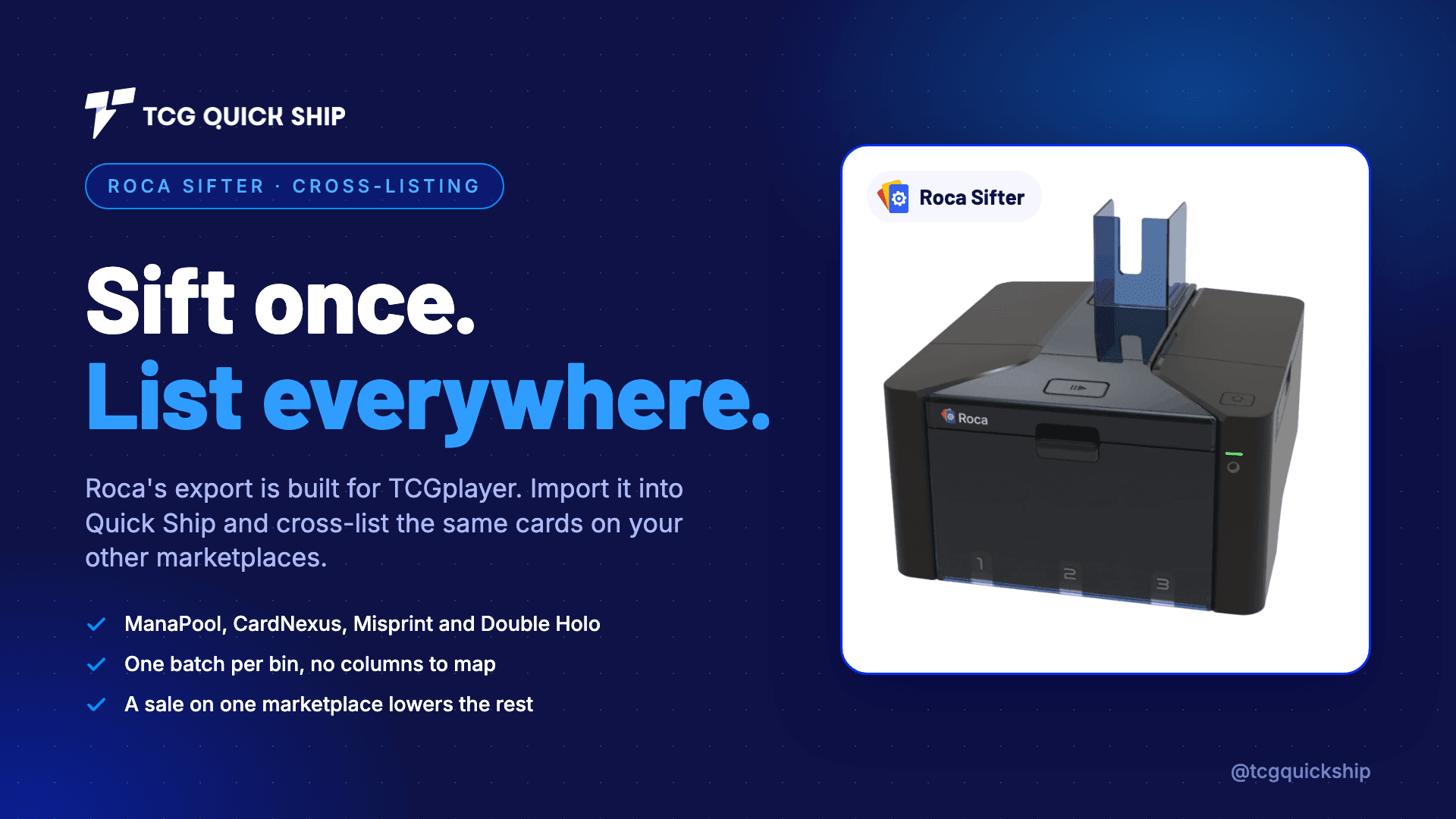
A Roca Sifter sorts and identifies your cards, but its export is built for one place: TCGplayer. Now you can bring that same export into Quick Ship and cross-list the cards on your other marketplaces too.
Sift Once, List Everywhere
Import a Roca run and it becomes Quick Ship inventory. From there, each batch can be listed on:
- ManaPool, CardNexus, Misprint and Double Holo, wherever the marketplace supports the game
- TCGplayer, with the CSV Quick Ship builds for you
With live order sync on, a sale on one marketplace lowers the quantity on the rest, so you don't oversell.
eBay listings need a photo of the card, so cards imported from a file can't go to eBay. Scan those instead.
How It Works
- In Roca, download the Matched to Catalog export.
- In Quick Ship, open Inventory → CSV Upload, pick Roca Sifter and upload the CSV. There are no columns to map.
- On the review step, tick the bins you want. Each bin shows its card count and a sample of its cards.
- Press Import. Every ticked bin becomes its own staging batch, named after your file and the bin, like "Export - Bin 1".
- Commit a batch and choose the marketplaces to list it on.
Good to Know
- One batch per bin. A bin is a pile from one run, not a storage location, so all the batches go into the location you pick. That lets you cross-list your valuable bin and keep your bulk bin on TCGplayer only.
- Foils and conditions come in right. Cards match by the TCGplayer SKU in Roca's export, so the printing and condition are the ones Roca recorded.
- Use the Matched to Catalog export. Other Roca exports don't carry the columns this import reads.
Full walkthrough: Importing from a Roca Sifter · Listing to marketplaces
Happy sifting. 📬