



EasyPost Integration with Quick Ship
Connect your own EasyPost account and ship your ManaPool and TCGplayer orders with EasyPost’s 3,000 free labels per month — with zero extra fees from TCG Quick Ship.
Get Your EasyPost API Keys
Don't have an EasyPost account yet? Sign up free at easypost.com. Then go to your EasyPost Account Settings page to get your API keys. You should have both Prod and Test keys. Copy these for the next step.
In the EasyPost dashboard, also add a payment method under Billing so EasyPost can fund your postage, and make sure USPS is enabled under Settings → Carrier Accounts (it is by default on new accounts).
Navigate to Connections
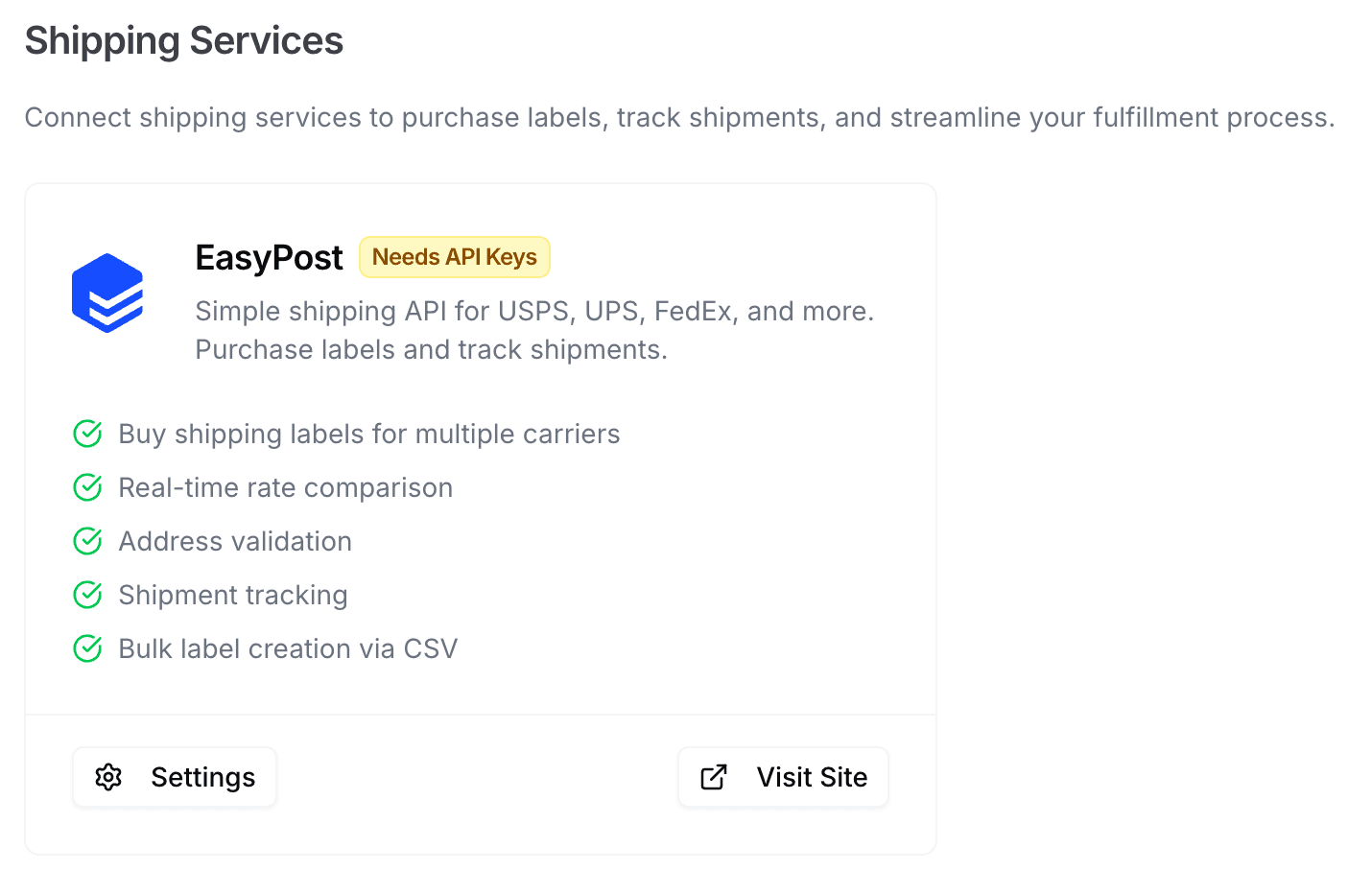
Navigate to the Connections page in Quick Ship. You'll see the EasyPost integration card in the Shipping Services section.
Once there, click Settings on the EasyPost card to open the configuration dialog. Your store address should be filled from when you completed the onboarding process. Once you’ve saved your API keys Quick Ship will default to using your TEST keys.
Switch to Production Mode
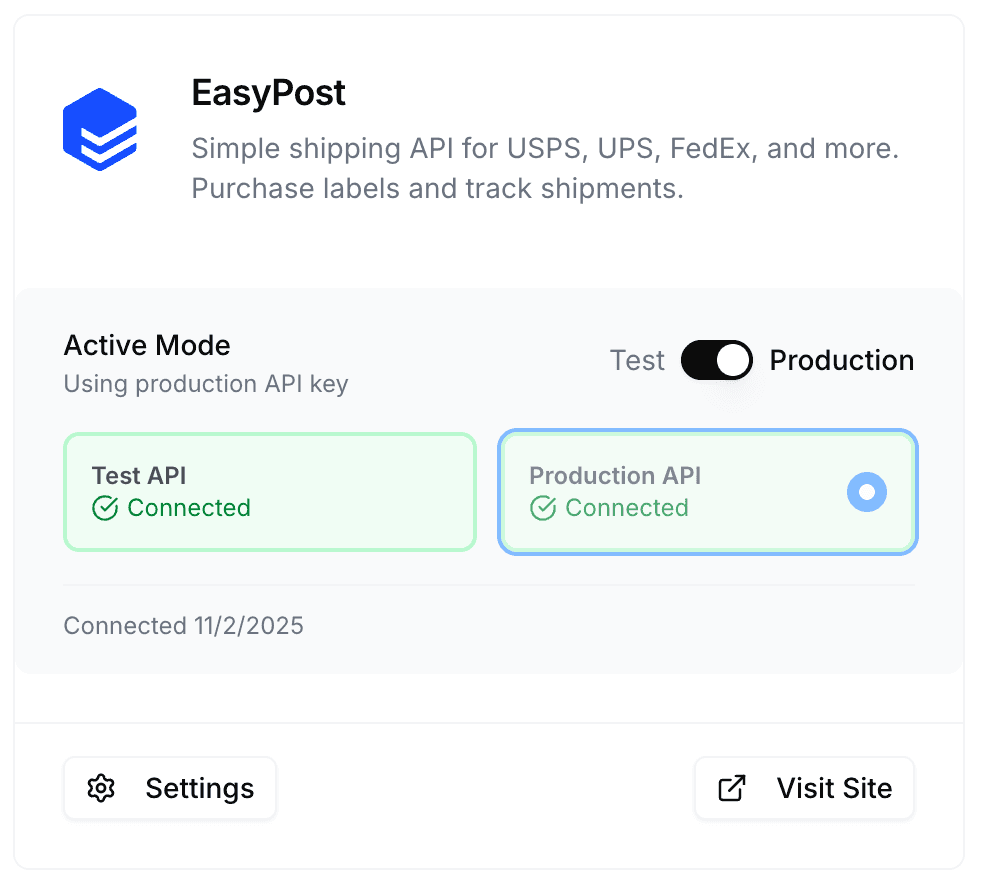
Quick Ship will default to using your EasyPost TEST API keys so you can test label creation without incurring costs. Once you're ready to go live, return to the EasyPost settings in Quick Ship and toggle the Production Mode switch. This will enable your PROD API keys for real shipments.
- Once connected, EasyPost is selected by default for compatible orders (ManaPool and TCGplayer). eBay orders continue to use Quick Ship labels.
- You can switch any order back to TCG Quick Ship label using the shipping provider toggle in the order's Parcel Information.
- You can still buy insurance from TCG Quick Ship at just 1% of order value and is paid from your Quick Ship wallet.
- Your EasyPost postage balance and billing live in the EasyPost dashboard, not your Quick Ship wallet.
- TCG Quick Ship will automatically get all tracking events from your EasyPost shipments as well.