
eBay Integration with Quick Ship
Process eBay orders in seconds. Automatically sync your orders and process shipping labels purchased from eBay.
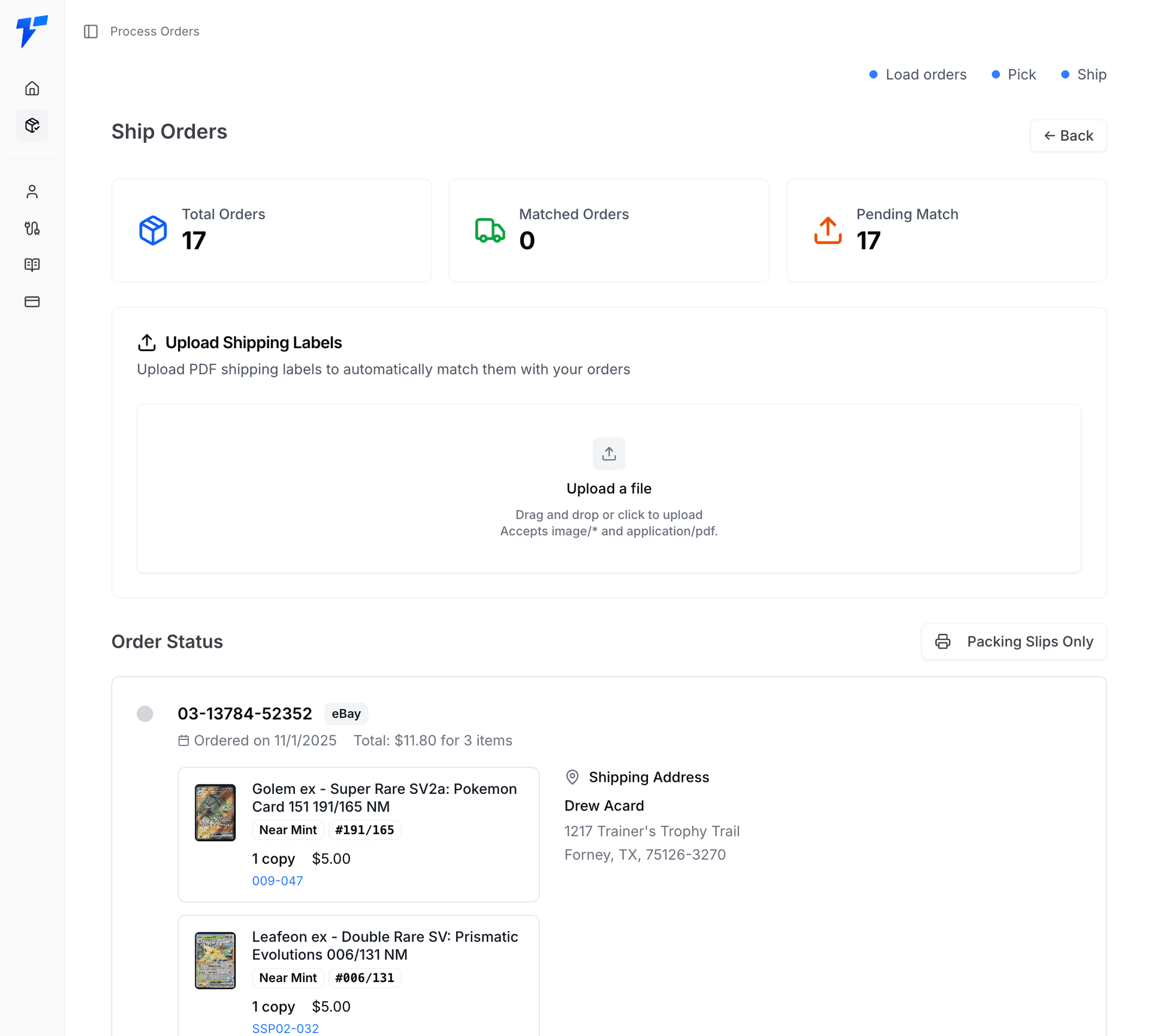
Connect Your eBay Account
Go to the Connections page in Quick Ship and click Connect. This will take you to eBay's authorization page. Log in and follow the directions. Once completed you'll be redirected back to Quick Ship.
Click Settings to update your store name and logo.
Navigate to Process Orders
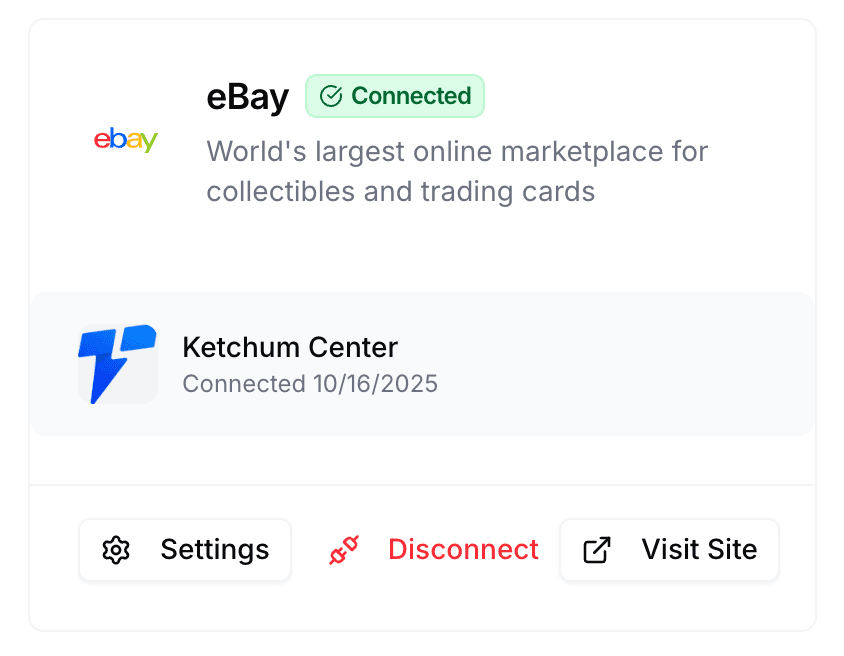
After connecting your eBay account, go to the Process Orders page. Here you'll see a card specifically for eBay orders. Pick between Sync eBay Orders or upload a csv export of your orders from the drop down.
You can also select a specific time range for your orders. It will grab orders from the first data at 12:00AM PST to the second day's data at 11:59PM PST.
Pick & Process Your Orders
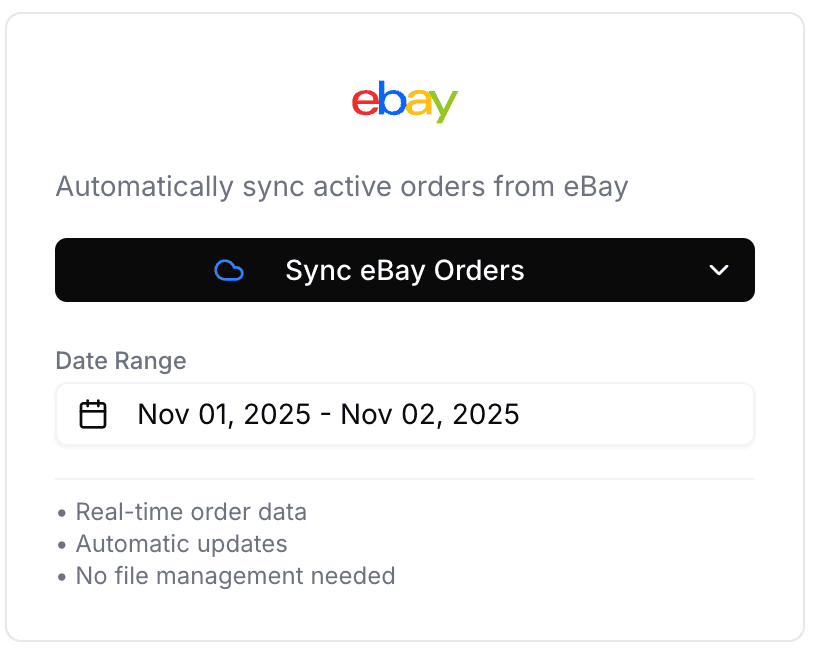
You'll now see all your eBay orders and can review them. If there are any orders that can be combined, a red Combine Orders will show.
Click the Pick Slip button to slide out the pick list. You can sort the cards by any column you need.
Upload Labels & Ship
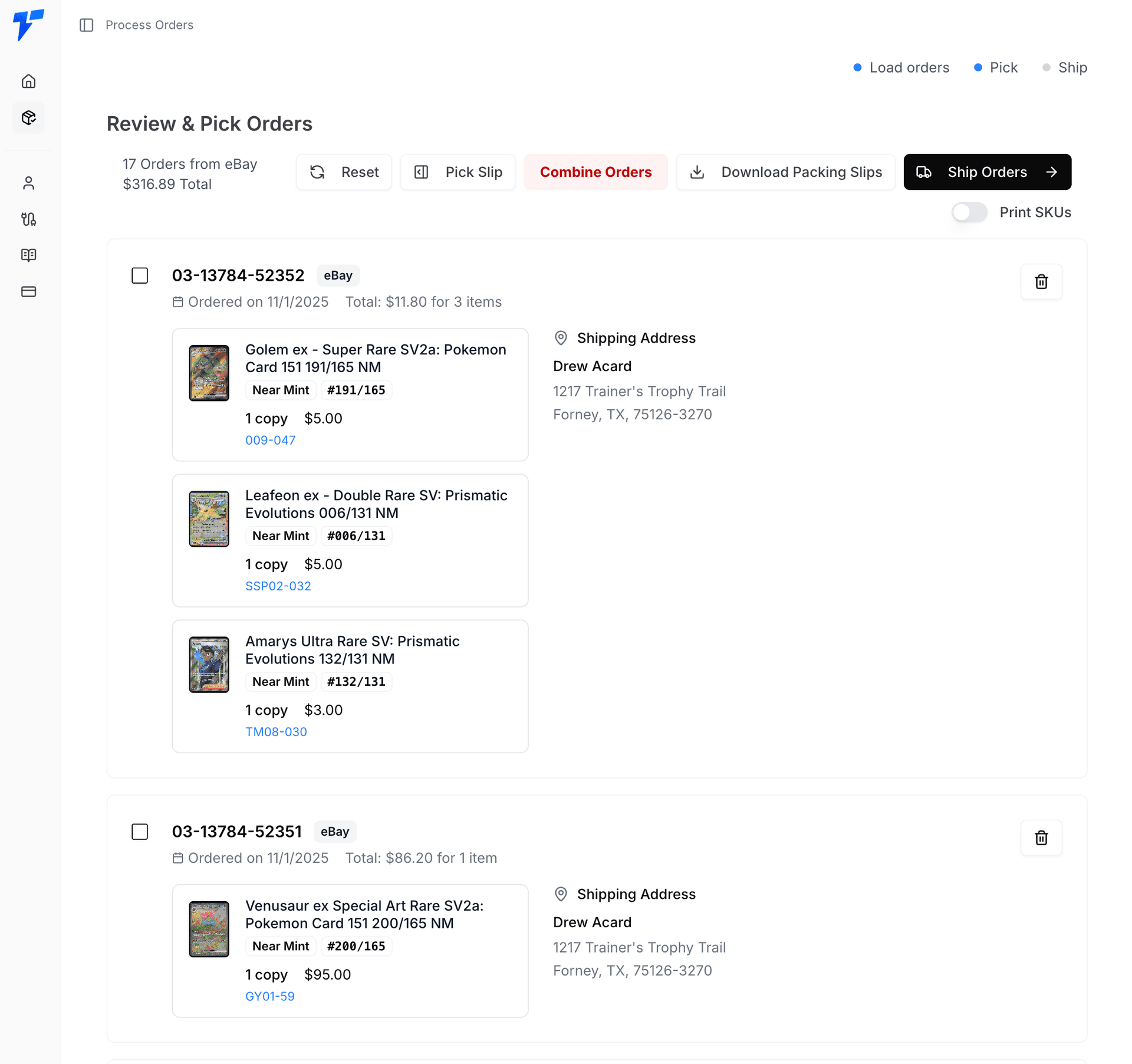
Click the Ship Orders button to continue to the next section. Upload your labels (purchased from eBay) to connect them to an order. Once the shipping labels have been processed you can download a combined PDF with both the packing slips and shipping labels. The PDF will be collated to make it easier for you to print!